

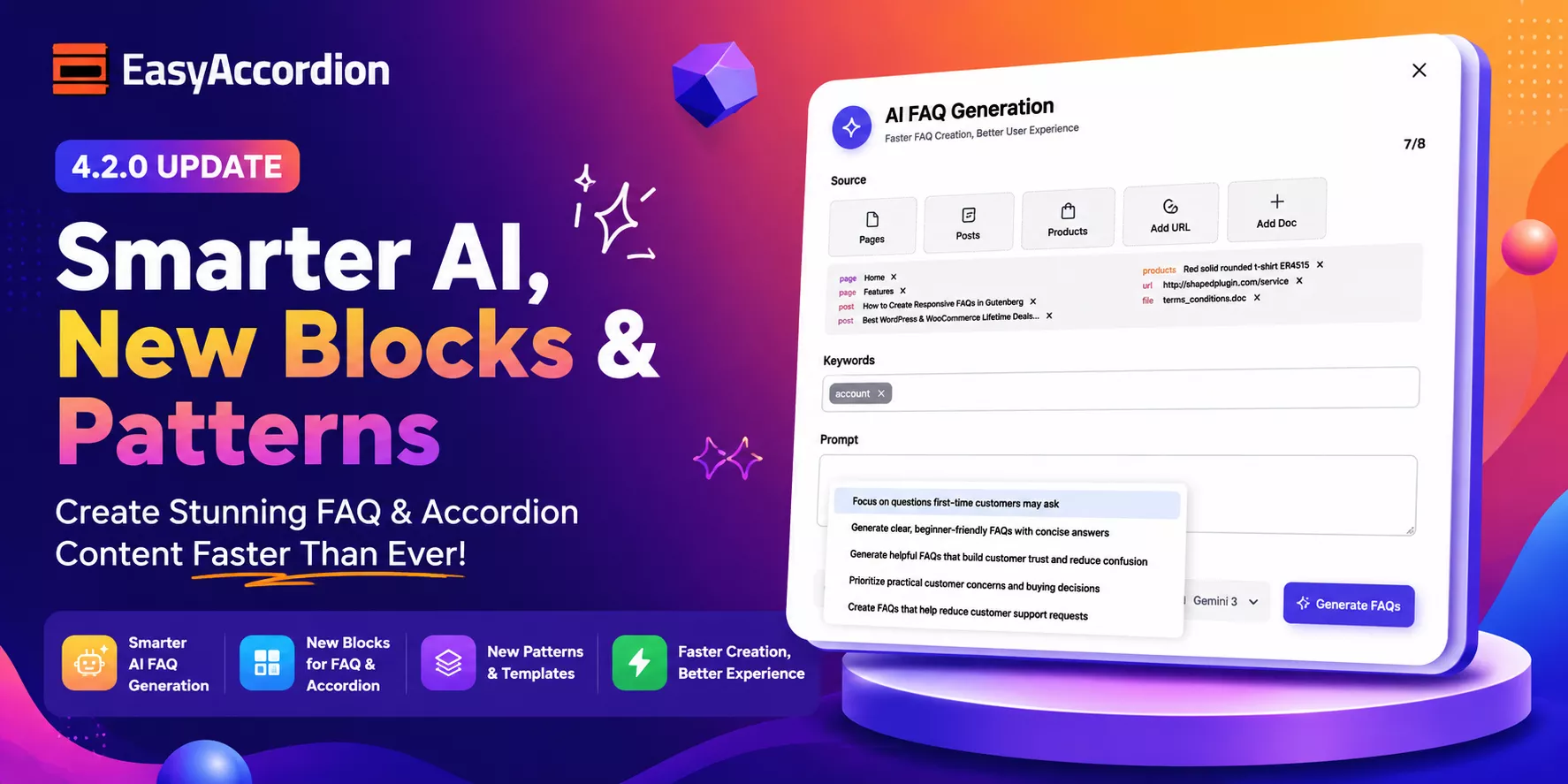
Hey, WordPress and WooCommerce users! We have some exciting news for you.
Easy Accordion Pro 4.2.0 has officially landed– and it is packed with many new features. This release brings powerful AI tools, four new accordion block types, six page builder integrations, motion animations, a 200+ template library, and much more.
Whether you run a blog, a WooCommerce store, or a business site, this update has something game-changing for your FAQs and group content display. So, let’s dive in and explore everything new in version 4.2.0!
What’s New in Easy Accordion Pro 4.2.0?
Here is a quick overview of everything included in this release:
- Four new accordion block types
- AI-powered FAQ generation
- Five new Pro modules
- Six page builder integrations
- Google reCAPTCHA spam protection
- 200+ ready-made patterns and templates
Let’s break each one down.
New Accordion Blocks
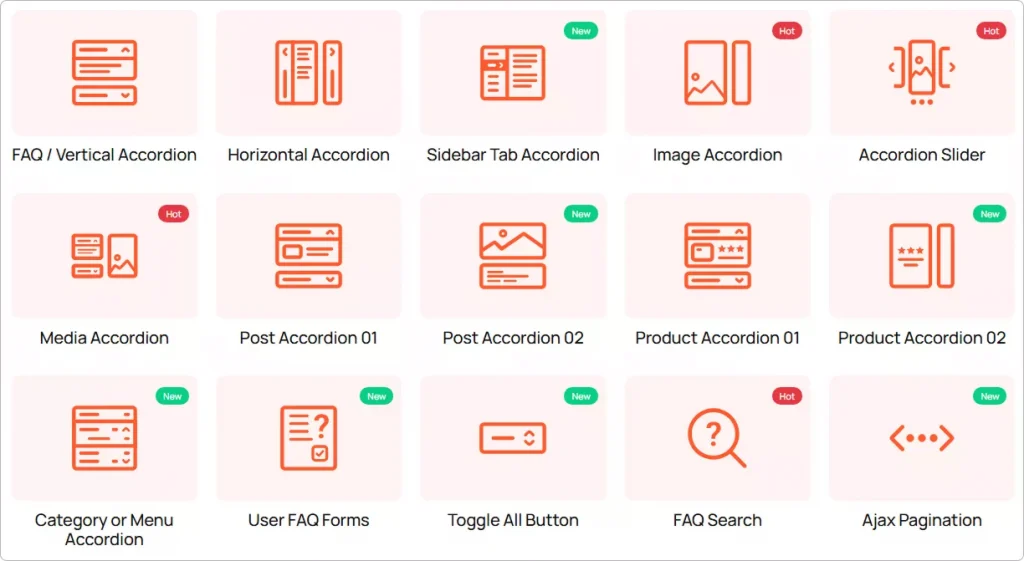
1. Post Accordion 02 Block
Do you want to turn your WordPress blog posts into interactive, expandable accordions? Now you can. The new Post Accordion 02 block lets you display your posts in a collapsible accordion layout. It is perfect for FAQs, knowledge bases, how-to guides, and content-rich blog archives.
This block keeps your pages clean and organized. Visitors expand only the content they want. That means less scrolling and more engagement.
2. Product Accordion 02 Block
Running a WooCommerce store? This one is for you. The Product Accordion 02 block lets you display your WooCommerce products in a beautiful collapsible accordion layout. It works great for showcasing product specs, bundles, pricing tiers, or product FAQs — all without overwhelming your visitors.
The result? A cleaner product page that converts better.
3. Media Accordion Block
Rich media content deserves a rich display. The new Media Accordion block is designed specifically for media-heavy content. You can now embed images, videos, audio, and galleries directly inside expandable accordion panels. It is ideal for portfolio sites, tutorial pages, and multimedia-heavy product descriptions.
4. Category / Menu Accordion Block
Got a large site with complex navigation or deep taxonomies? The Category / Menu Accordion block helps you streamline menus and taxonomies into a clean, collapsible format. This block is especially useful for WooCommerce category pages and content-heavy membership sites.
Generate FAQs Automatically with AI
This is one of the most exciting additions to Easy Accordion Pro. Version 4.2.0 introduces the Generate FAQ with AI module. It lets you create ready-to-publish FAQ content automatically — in seconds.
Just enter a topic, choose your AI provider, and let the plugin do the heavy lifting. No more writing FAQs from scratch. No more blank screens.
Now Supports Google Gemini
Along with existing AI compatibility, version 4.2.0 adds Google Gemini as a supported AI provider. You can now choose between AI engines to match your workflow, budget, and output style preferences.
This feature is a massive time-saver for agencies, bloggers, and store owners who manage large sites with dozens of FAQ pages.
New User FAQ Forms Block
Give your visitors a voice. The new User FAQ Forms block lets visitors submit their own questions directly from your site’s frontend — without needing to contact you via email or chat.
It is an excellent way to crowdsource real questions from real users. Plus, it helps you discover content gaps and build a more relevant FAQ database over time.
Google reCAPTCHA Integration
To keep spam out of your FAQ forms, version 4.2.0 adds Google reCAPTCHA integration. This integration automatically blocks spam submissions and bot abuse, so your FAQ inbox stays clean.
New Pro Modules
FAQ Analytics Module
Want to know which FAQs your visitors actually click on? The FAQ Analytics module tracks clicks and user engagement metrics across your accordion and FAQ content. Use this data to refine your content strategy, remove low-performing FAQs, and expand the ones that drive the most interaction.
FAQ Forms Module
The FAQ Forms module lets you build fully functional frontend FAQ submission forms. Visitors can submit questions directly from any page. You review and publish them as FAQs — it is a simple and powerful content loop that keeps your FAQ section fresh and relevant.
Motion Effects and Animations Module
Static accordions are a thing of the past. The new Motion Effects and Animations module adds beautiful scroll-triggered animations to your accordions. No CSS knowledge required. Just pick an animation style, set the timing, and publish. Your content will feel alive and engaging from the moment visitors land on your page.
Export / Import FAQs Module
Managing FAQs across multiple sites just got a lot easier. The Export / Import FAQs module lets you back up your entire FAQ library and restore it with a single click. It is perfect for agencies managing client sites or developers working across staging and production environments.
Ready Patterns Library Module
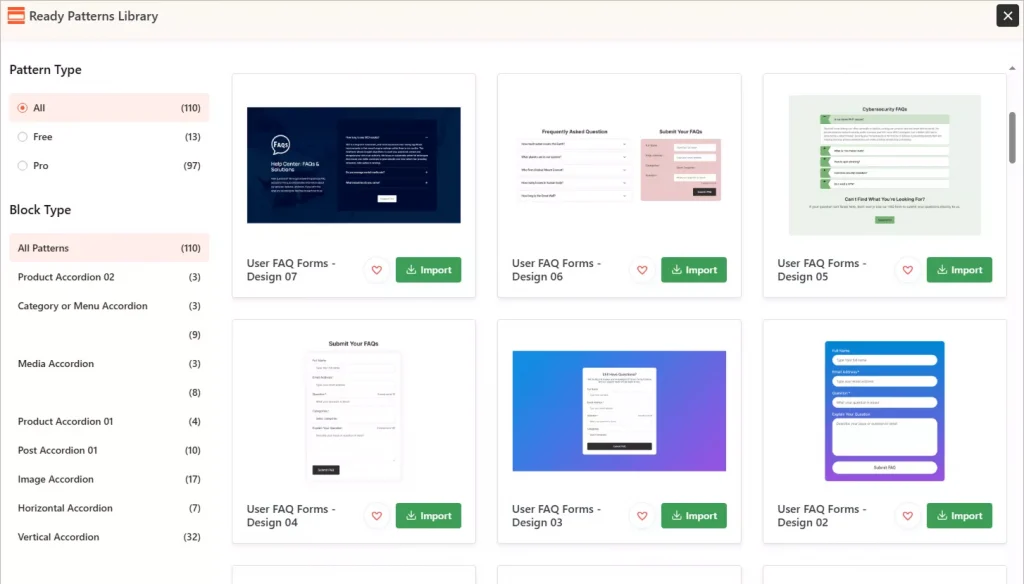
Starting from scratch is now optional. The Ready Patterns Library module gives you access to 200+ pre-designed FAQ and accordion templates. Browse the library, pick a layout you love, import it with one click, and customize it to match your brand. You can launch a beautiful, professional FAQ section in minutes — not hours.
Six New Page Builder Add-ons
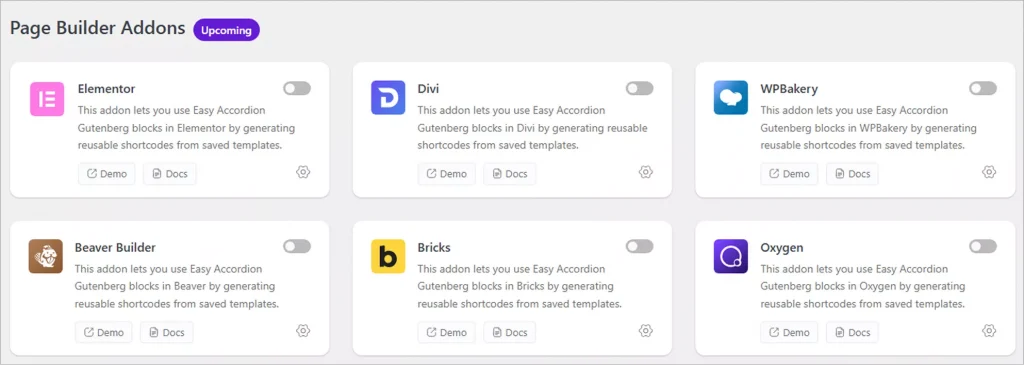
Easy Accordion Pro now works seamlessly with every major WordPress page builder. Version 4.2.0 introduces Saved Templates rendering support for:
- Elementor
- Divi
- WPBakery
- Oxygen Builder
- Beaver Builder
- Bricks Builder
No matter which builder you use, your saved accordion templates will drop right in — no shortcodes, no workarounds, no conflicts. This is a huge win for agencies and freelancers who build with multiple tools across different client projects.
Why Upgrade to Easy Accordion Pro?
Here is a quick summary of what you unlock with the Pro version:
- AI FAQ generation (with Google Gemini support)
- FAQ Analytics to track real user engagement
- Frontend FAQ submission forms with reCAPTCHA protection
- Motion Effects and scroll animations
- Export / Import FAQ library
- 200+ ready-made patterns and templates
- All four new accordion block types
- Six page builder integrations
If you are still on the free version, now is the perfect time to upgrade. Easy Accordion Pro gives you everything you need to build, manage, and optimize FAQs and accordions on your WordPress site — without writing a single line of code.
Get Started with Easy Accordion Pro 4.2.0
Version 4.2.0 is available now. If you are already a Pro user, simply update from your WordPress dashboard. All your existing content, FAQs, and settings will remain completely intact.
New to Easy Accordion Pro?
Easy Accordion Pro is developed by ShapedPlugin LLC — a team with over a decade of experience building high-quality WordPress and WooCommerce plugins used by 360,000+ websites in 180+ countries.
Have questions about the new features? Drop them in the comments below — we would love to hear from you and reply!


Leave a Reply
You must be logged in to post a comment.