

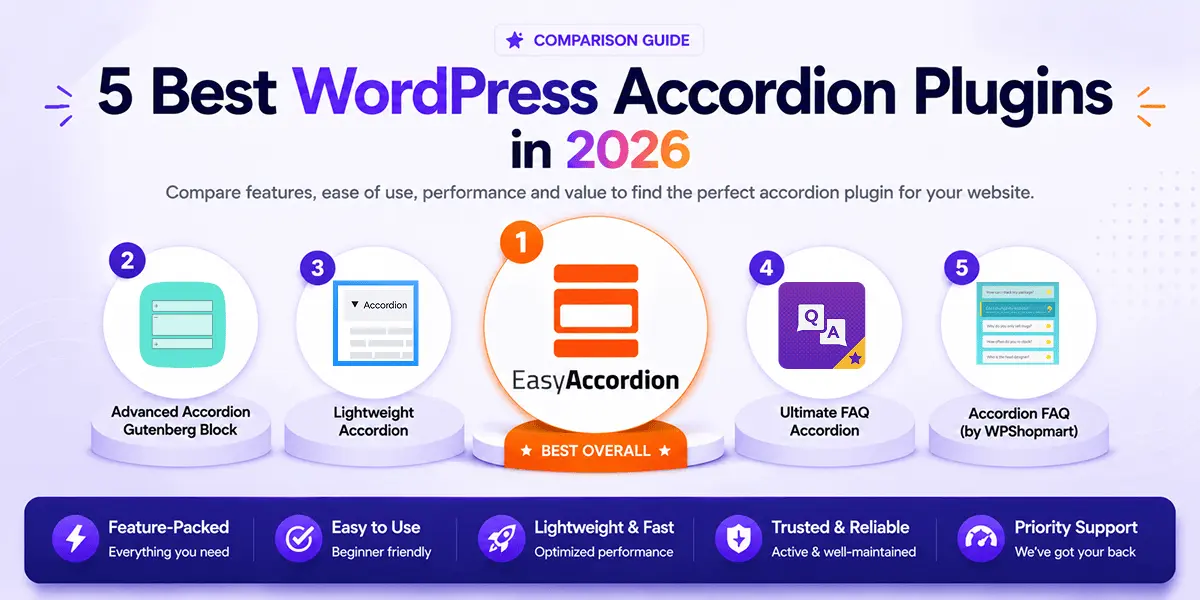
Are you looking for the best accordion plugin for WordPress? You’re in the right place.
The wrong plugin quietly hurts your site — slow loads, broken mobile layouts, and zero SEO value. The right one organizes your content, reduces support load, boosts search visibility, and converts visitors into customers.
In 2026, the best accordion plugins go far beyond simple toggles — offering AI-powered FAQ generation, WooCommerce support, live search, analytics, and schema markup for Google rich snippets, all in one plugin.
In this guide, I’ll compare the 5 Best WordPress Accordion Plugins for 2026 — tested for features, performance, and value — so you can find the perfect fit for your site.
Quick Comparison: Top 5 WordPress Accordion Plugins in 2026
| Plugin | Active Users | Rating | Free Version | Pro Version |
|---|---|---|---|---|
| Easy Accordion | 80,000+ | ⭐ 4.9 (350+ reviews) | ✅ Yes | $29/yr |
| Advanced Accordion Block | 10,000+ | ⭐ 4.5 | ✅ Yes | $49/yr |
| Lightweight Accordion | 10,000+ | ⭐ 5.0 | ✅ Yes | Free only |
| Ultimate FAQ Accordion | 30,000+ | ⭐ 4.6 | ✅ Yes | $67/yr |
| Accordion FAQ | 30,000+ | ⭐ 4.6 | ✅ Yes | $59/yr |
1. Easy Accordion
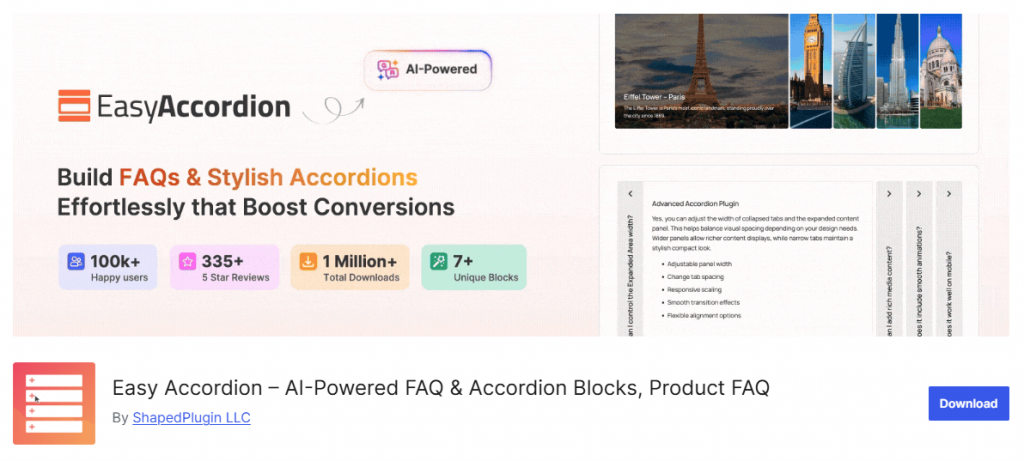
Easy Accordion is the most feature-rich FAQ and accordion plugin for WordPress, trusted by over 100,000 users since 2015 with a 4.9-star rating from 350+ verified reviews. It is the only plugin on this list that covers every major accordion type — FAQ, image, post, product, WooCommerce category, menu, and horizontal accordions — all from a single, well-maintained plugin.
What sets Easy Accordion apart in 2026 is its built-in AI FAQ Generator, which creates complete, ready-to-publish FAQ sets in seconds. Add that to FAQ analytics, AJAX live search, WooCommerce product FAQ blocks, motion effects, and 25+ Pro templates, and you have an accordion builder that can handle any use case — from a simple FAQ section to a fully interactive product knowledge base.
Key Features:
- AI FAQ Generator — Generate full FAQ sets instantly using AI (newest and most-requested feature)
- Visual FAQ Builder — Drag-and-drop FAQ creation with no coding required
- WooCommerce Product FAQs — Dedicated FAQ block for WooCommerce product pages
- FAQ Analytics — Track which FAQ items users open, skip, or engage with most
- Search & Live Filter — AJAX-powered live search so visitors find answers instantly
- User FAQ Forms — Let your visitors submit their own questions from the frontend
- 25+ Content Animations & Motion Effects — Smooth, trendy entrance animations for accordion items
- FAQ Schema Markup — Automatic structured data for Google rich snippets and AI answer visibility
- Ready-Patterns Library — Ready-made designs you can import and customize in seconds
- Multi-Level Accordions — Nest accordions inside accordions for deep content hierarchies
- Image, Post, Product & Menu Accordion types — Unique accordion formats beyond the basic FAQ toggle
- 16+ Toggle Icon Styles, Anchor Links, Title Badges, Subtitles — Granular control over every element
- Works with Gutenberg, Elementor, Divi, WP Bakery — No page builder left behind
Best For: WordPress and WooCommerce sites that need a complete, visually polished FAQ and accordion builder with built-in AI, SEO schema, and analytics.
2. Advanced Accordion Gutenberg Block
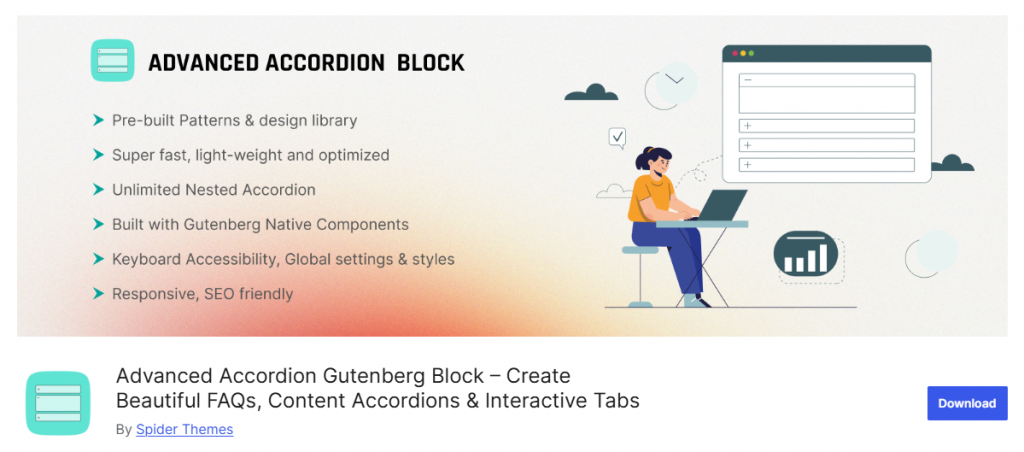
Advanced Accordion Gutenberg Block by Spider Themes is a Gutenberg-native accordion plugin designed specifically for the WordPress block editor. It builds entirely with native block components, which means it integrates smoothly with the Full Site Editor and doesn’t rely on any shortcodes.
The plugin covers standard FAQ and content accordion use cases well. Its standout features include accordion search, anchor links, open/close all buttons, FAQ schema, and a “steps or checklist” accordion layout for tutorial-style content.
Key Features:
- 100% native Gutenberg block — no shortcodes required
- Accordion search bar with keyword highlighting
- Open All / Close All toggle buttons
- Anchor links to specific accordion sections
- FAQ Schema Markup for SEO rich snippets
- Activator event control (click or hover)
- Steps/checklist accordion layout
- Read More button for long content trimming
Best For: Gutenberg-first WordPress users who want a block-native accordion focused purely on the block editor experience.
3. Lightweight Accordion
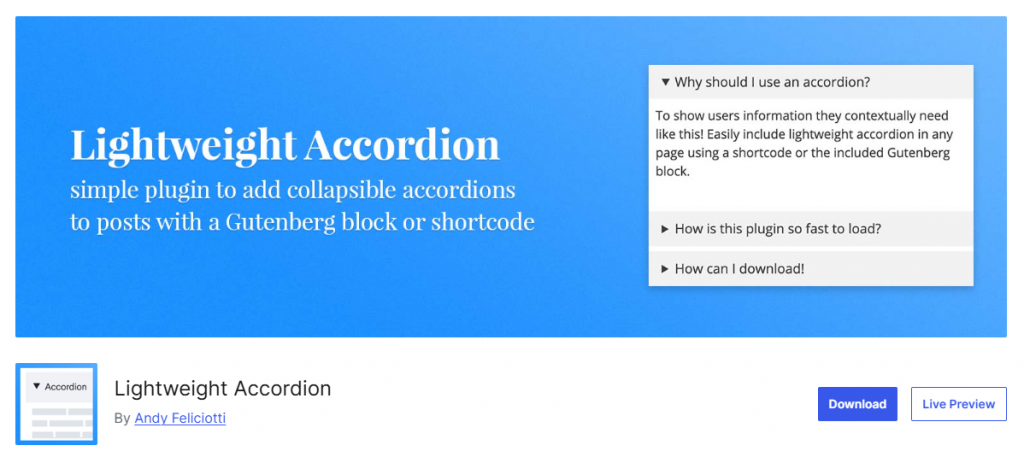
Lightweight Accordion takes a philosophy-first approach: zero JavaScript, minimal CSS, and the native HTML <details> element for accordion behavior. The result is a plugin with almost no performance overhead — the accordion works even with JavaScript disabled.
It supports both Gutenberg blocks and classic editor shortcodes, includes FAQ schema via inline Microdata, and allows basic customization of the accordion title tag, colors, and default open/closed state.
Key Features:
- Built on the native HTML <details> tag — zero JavaScript required
- Compatible with Gutenberg block and classic editor shortcode
- FAQ schema support via inline Microdata
- Customize title HTML tag, open/closed default state
- Color and border customization options
- Open accordion items by default (individually settable)
Best For: Performance-focused developers who want a minimal, JavaScript-free accordion with no design requirements.
4. Ultimate FAQ Accordion
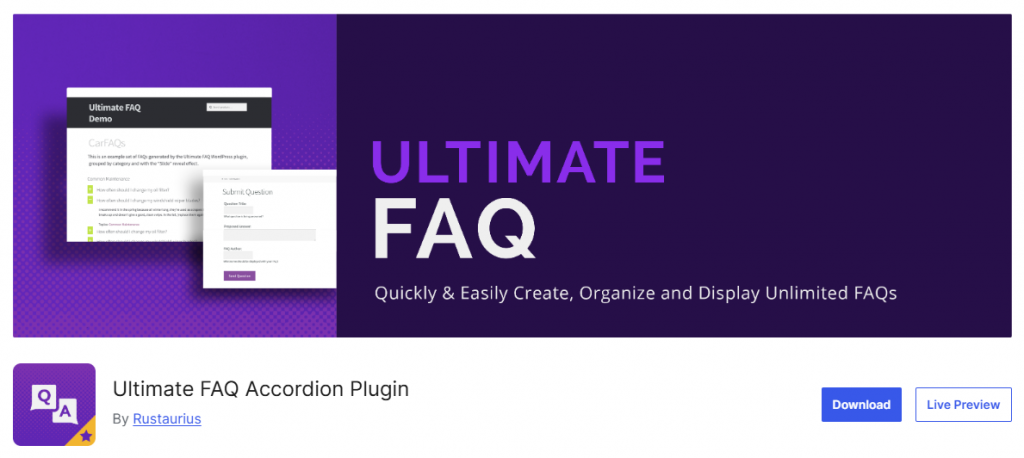
Ultimate FAQ Accordion is a beginner-friendly plugin focused on clean FAQ management, multilingual support, and basic automation. It uses a custom post type for FAQ entries, supports unlimited FAQs with categories and tags, and displays them through Gutenberg blocks, patterns, or shortcodes.
The plugin adds FAQ Page structured data in LD+JSON format automatically and tracks FAQ view counts out of the box. The Pro version adds OpenAI integration for AI-generated FAQ content and expanded styling controls.
Key Features:
- Unlimited FAQ entries with custom categories and tags
- Automatic FAQ Page Schema in LD+JSON format
- Built-in FAQ view count tracking
- Works with WPML, Loco Translate, and Polylang
- Gutenberg blocks, patterns, and shortcodes for display
- Pro: OpenAI integration for AI-generated FAQ content
- Compatible with Elementor for design flexibility
Best For: Multilingual WordPress sites that need clean FAQ management with schema markup and basic analytics.
5. Accordion FAQ
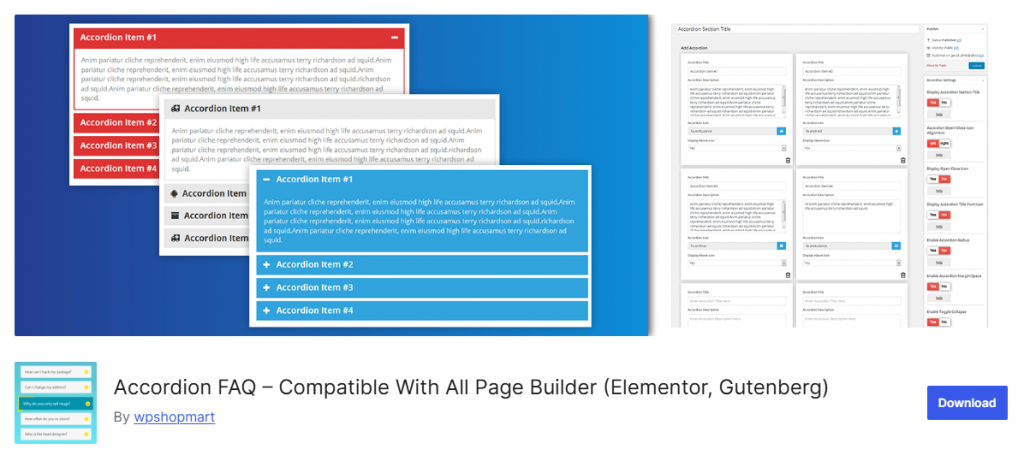
Accordion FAQ by WPShopmart is a Bootstrap-based responsive accordion builder built around a backend drag-and-drop interface. It supports unlimited accordion groups, unlimited color options, Font Awesome icons, and two built-in display styles — all via shortcodes that drop into any page builder.
The free version handles basic accordion needs cleanly. The Pro version adds 8 design templates, 500+ Google Fonts, 30+ animations, and hover activation.
Key Features:
- Drag-and-drop backend accordion item sorting
- Unlimited color customization for accordion groups
- Font Awesome icon picker included in the editor
- Two display styles with show/hide all on page load
- Bootstrap-based fully responsive design
- Pro: 8 design templates, 30+ animations, hover activation
Best For: Users who need a simple, shortcode-based, universally compatible accordion without any advanced requirements.
Recommendations: Which Accordion Plugin Should You Choose?
Here’s a quick decision guide based on your needs:
| Use Case | Recommended Plugin |
| Complete FAQ + Accordion solution for any site | Easy Accordion |
| AI-powered FAQ generation | Easy Accordion |
| WooCommerce product FAQ pages | Easy Accordion |
| FAQ analytics and user search | Easy Accordion |
| Gutenberg-native, block-editor-first experience | Advanced Accordion Block |
| Zero JavaScript, maximum performance | Lightweight Accordion |
| Multilingual FAQ with schema support | Ultimate FAQ Accordion |
| Shortcode-based compatibility with any page builder | Accordion FAQ |
For the vast majority of WordPress and WooCommerce sites, Easy Accordion is the clear choice. With 100,000+ users, a 4.9-star rating, built-in AI, WooCommerce support, live search, FAQ analytics, schema markup, and 25+ Pro templates — it offers more in its free version than most plugins offer in their paid tiers.
If you’re just getting started, download the free version and explore the ready-made FAQ patterns to launch your first accordion in minutes.
Frequently Asked Questions
Which is the best free accordion plugin for WordPress?
Easy Accordion offers the most generous free tier — including drag-and-drop FAQ builder, responsive design, FAQ schema markup, and multiple accordion types — making it the best free option for most WordPress sites.
Do accordion plugins hurt SEO?
No — accordion plugins with FAQ Schema Markup (like Easy Accordion) actively help SEO by enabling Google rich snippets and increasing visibility in AI-powered search results. Accordions also improve dwell time by making content easier to browse.
Does Easy Accordion work with WooCommerce?
Yes. Easy Accordion includes dedicated WooCommerce Product FAQ blocks and WooCommerce category accordion support, allowing you to add and manage FAQs directly on product pages.
Is a free accordion plugin enough, or do I need Pro?
The free version of Easy Accordion works well for basic FAQ sections. If you need AI FAQ generation, live search, accordion slider, FAQ analytics, or advanced templates, the Pro version starts at $29/year and covers all of those features.


Leave a Reply
You must be logged in to post a comment.