
Post Meta Display
Post Meta Display – Style 01
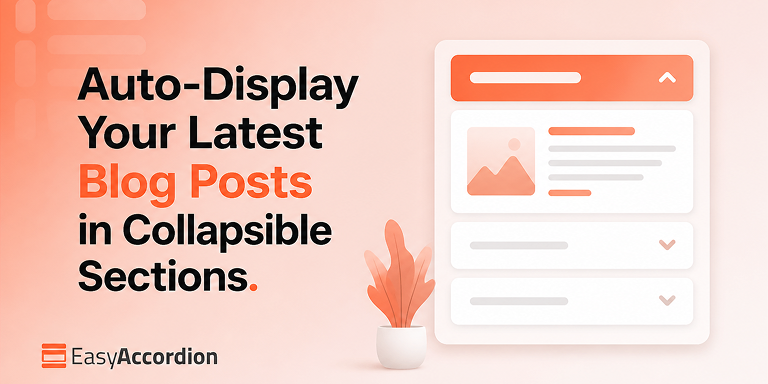
A post accordion lets you display latest blog posts in your WordPress website as collapsible sections that update automatically. Each panel header shows a post title; expanding it reveals the featured image, excerpt, date, and a read-more link. Because the accordion queries your posts dynamically, every new article you publish appears instantly — no manual […]
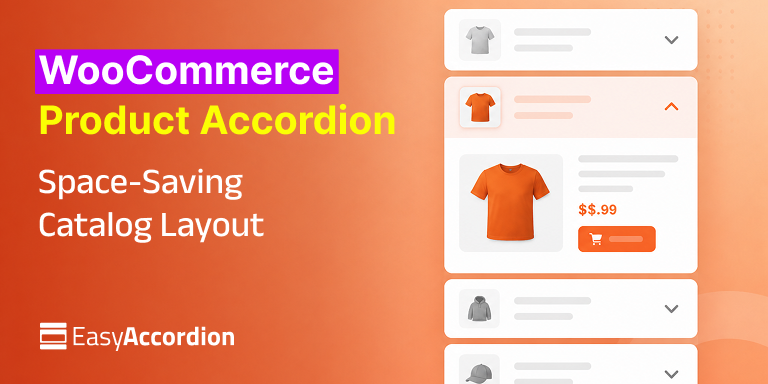
A WooCommerce product accordion displays your products inside collapsible panels — each panel opens to reveal the product image, price, description, and add-to-cart button. As a result, a catalog of 50, 100, or 500 products fits into a compact, scannable layout instead of an endless grid, which reduces scroll fatigue and helps shoppers find products […]
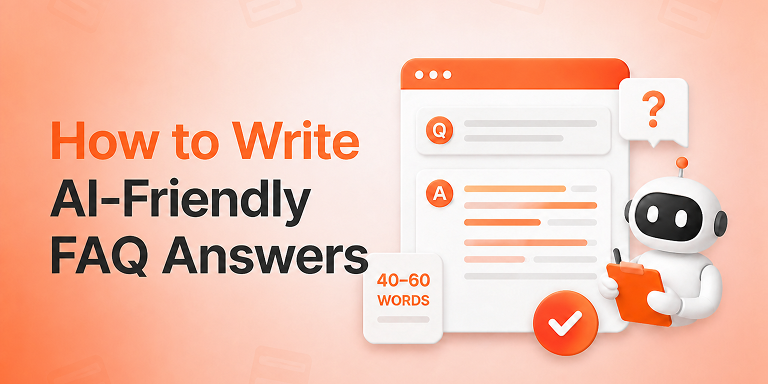
The 40-60 word rule is simple: answer every FAQ question directly, completely, and in 40 to 60 words, placed immediately after the question heading. That length gives Google’s Featured Snippets, AI Overviews, ChatGPT, and Perplexity a clean, self-contained block they can extract and quote — which makes your brand the answer instead of just another […]
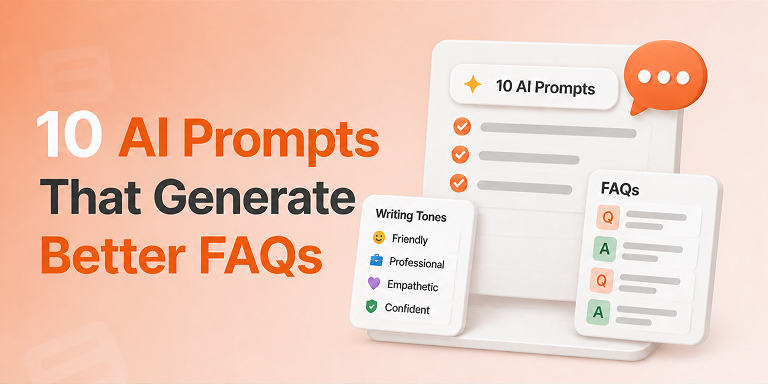
The best AI prompts for FAQs combine three ingredients: a specific content source, a clearly named writing tone, and a strict output format. When you give ChatGPT or Gemini all three, the AI produces question-and-answer pairs that sound human, answer real objections, and slot straight into an SEO-ready FAQ section. Most FAQ pages fail for […]
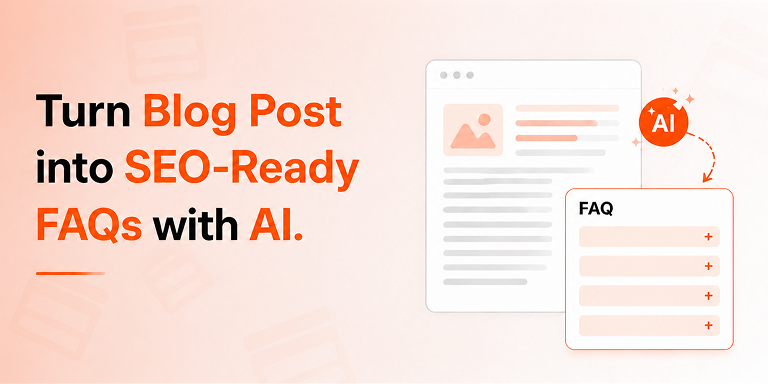
An AI FAQ generator turns any existing blog post or product page into an SEO-ready FAQ section in under five minutes. You simply select your content source, let AI draft the questions and answers, and publish with automatic FAQ schema markup — no coding and no manual writing required. Sounds too good to be true? […]
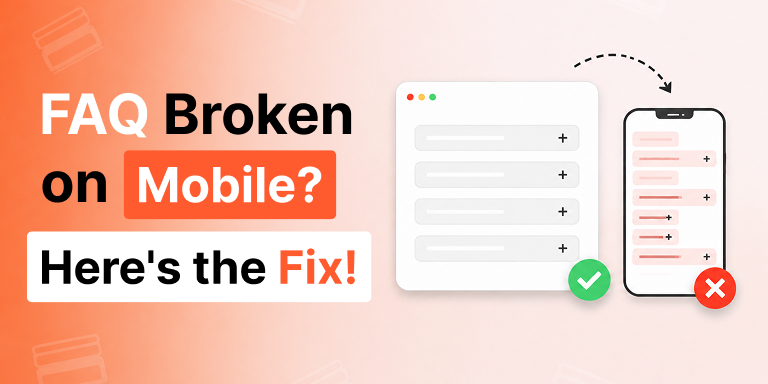
You spent an afternoon building the perfect FAQ section. On your laptop it’s flawless: clean columns, balanced spacing, questions sitting side by side like a well-set table. You hit publish, feel good, and move on. Then a customer texts you a screenshot from their phone. The questions are crushed into a thin strip. The text […]
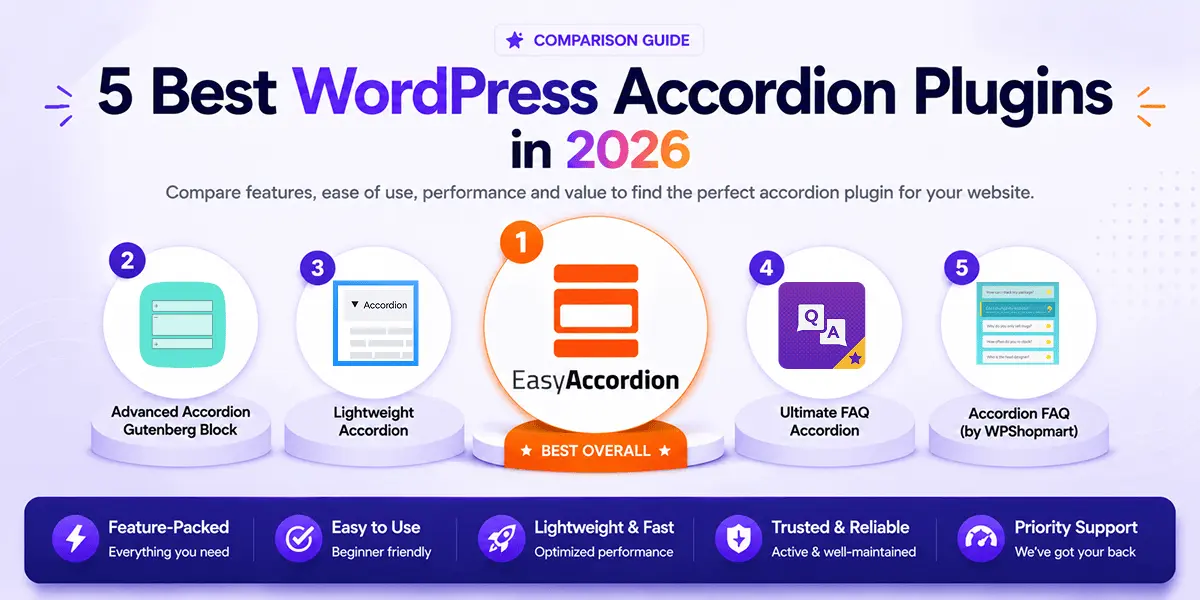
Are you looking for the best accordion plugin for WordPress? You’re in the right place. The wrong plugin quietly hurts your site — slow loads, broken mobile layouts, and zero SEO value. The right one organizes your content, reduces support load, boosts search visibility, and converts visitors into customers. In 2026, the best accordion plugins […]
Are you looking for the best FAQ plugins for WordPress and WooCommerce to add comprehensive FAQs effortlessly and grow conversions? In addition, FAQs increase visibility in AI answers & SERPs and drive more traffic to your site. In this blog, I’ll discuss more than 10 best FAQ WordPress plugins along with their pros and cons. By […]
Post Meta Display – Style 02
Post Accordion: Auto-Display Blog Posts in Collapsible Sections
A post accordion lets you display latest blog posts in your WordPress website as collapsible sections that update automatically. Each panel header shows a post title; expanding it reveals the featured image, excerpt, date, and a read-more link. Because the accordion queries your posts dynamically, every new article you publish appears instantly — no manual […]
Display WooCommerce Products in Accordions: A Space-Saving Layout for Large Catalogs
A WooCommerce product accordion displays your products inside collapsible panels — each panel opens to reveal the product image, price, description, and add-to-cart button. As a result, a catalog of 50, 100, or 500 products fits into a compact, scannable layout instead of an endless grid, which reduces scroll fatigue and helps shoppers find products […]
The 40-60 Word Rule: How to Write FAQ Answers That AI Engines Actually Quote
The 40-60 word rule is simple: answer every FAQ question directly, completely, and in 40 to 60 words, placed immediately after the question heading. That length gives Google’s Featured Snippets, AI Overviews, ChatGPT, and Perplexity a clean, self-contained block they can extract and quote — which makes your brand the answer instead of just another […]
10 AI Prompts and Writing Tones That Generate FAQs Customers Actually Read
The best AI prompts for FAQs combine three ingredients: a specific content source, a clearly named writing tone, and a strict output format. When you give ChatGPT or Gemini all three, the AI produces question-and-answer pairs that sound human, answer real objections, and slot straight into an SEO-ready FAQ section. Most FAQ pages fail for […]
Turn Your Blog Post, Page or Product into an SEO-Ready FAQ Section with AI
An AI FAQ generator turns any existing blog post or product page into an SEO-ready FAQ section in under five minutes. You simply select your content source, let AI draft the questions and answers, and publish with automatic FAQ schema markup — no coding and no manual writing required. Sounds too good to be true? […]
Your FAQ Looks Fine on Desktop but Broken on Mobile: Here’s the Breakpoint Fix
You spent an afternoon building the perfect FAQ section. On your laptop it’s flawless: clean columns, balanced spacing, questions sitting side by side like a well-set table. You hit publish, feel good, and move on. Then a customer texts you a screenshot from their phone. The questions are crushed into a thin strip. The text […]
5 Best WordPress Accordion Plugins for 2026
Are you looking for the best accordion plugin for WordPress? You’re in the right place. The wrong plugin quietly hurts your site — slow loads, broken mobile layouts, and zero SEO value. The right one organizes your content, reduces support load, boosts search visibility, and converts visitors into customers. In 2026, the best accordion plugins […]
10+ Best FAQ Plugins for WordPress (Free & Paid)
Are you looking for the best FAQ plugins for WordPress and WooCommerce to add comprehensive FAQs effortlessly and grow conversions? In addition, FAQs increase visibility in AI answers & SERPs and drive more traffic to your site. In this blog, I’ll discuss more than 10 best FAQ WordPress plugins along with their pros and cons. By […]