

After purchasing the Easy Accordion plugin, you can easily update or change your Credit/Debit Card information by following these steps:
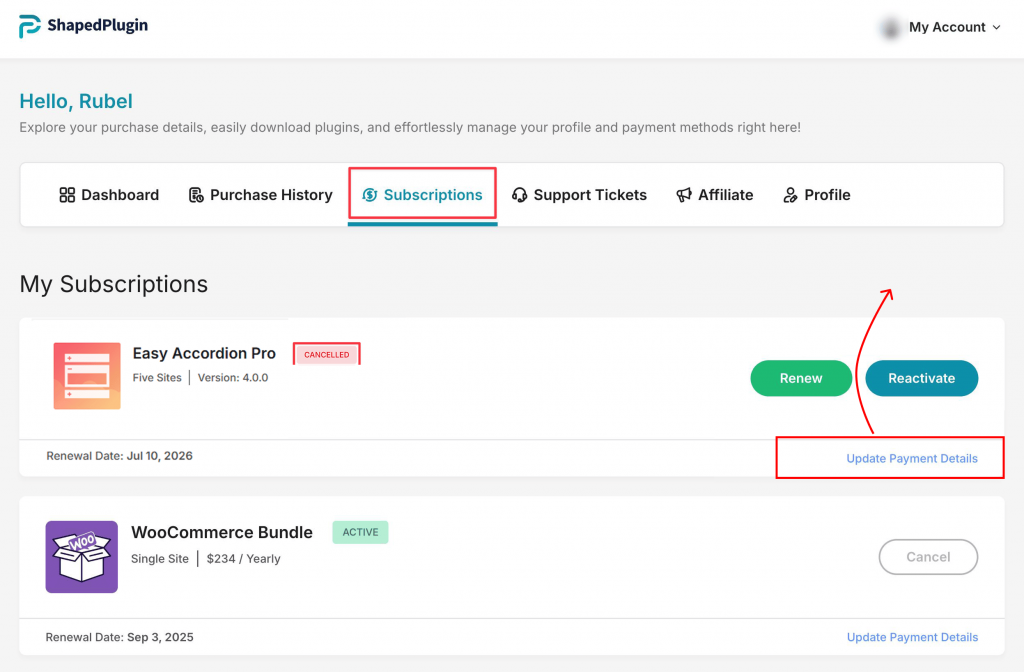
- Log in to your ShapedPlugin Account.
- Go to the Subscriptions tab.
- Click Update Payment Details.
- Enter your new billing information in the displayed interface.
- Click Update Payment Details to save your changes.
Your billing information will now be updated and used for future payments.