

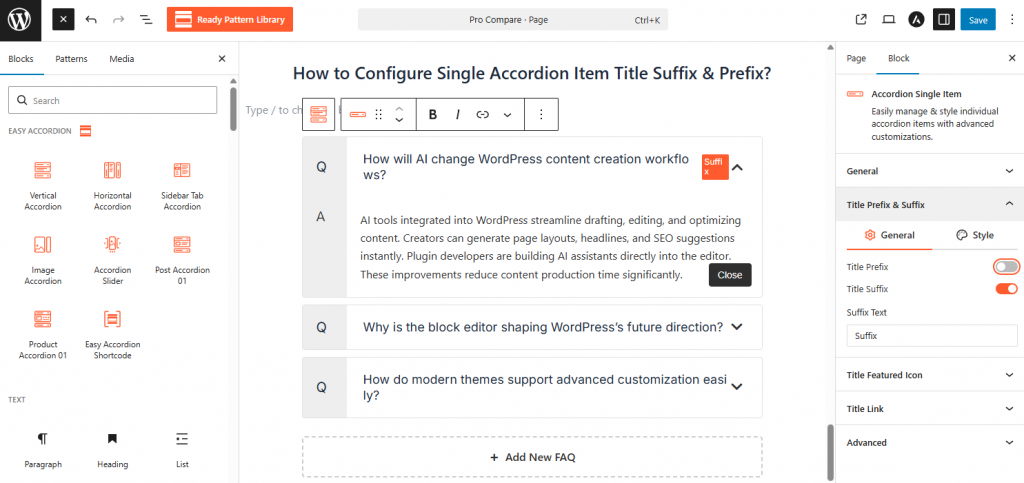
- Select the Accordion Single Item and open the General panel in the sidebar.
- Use the Title Prefix & Suffix section to add leading or trailing text/icons to your header.
- Go to the Title Link panel if you want to turn the accordion title into a clickable URL.
- Within the description area, use the (+) button to insert any Gutenberg block, such as lists, buttons, or media.
For more information, visit here.