

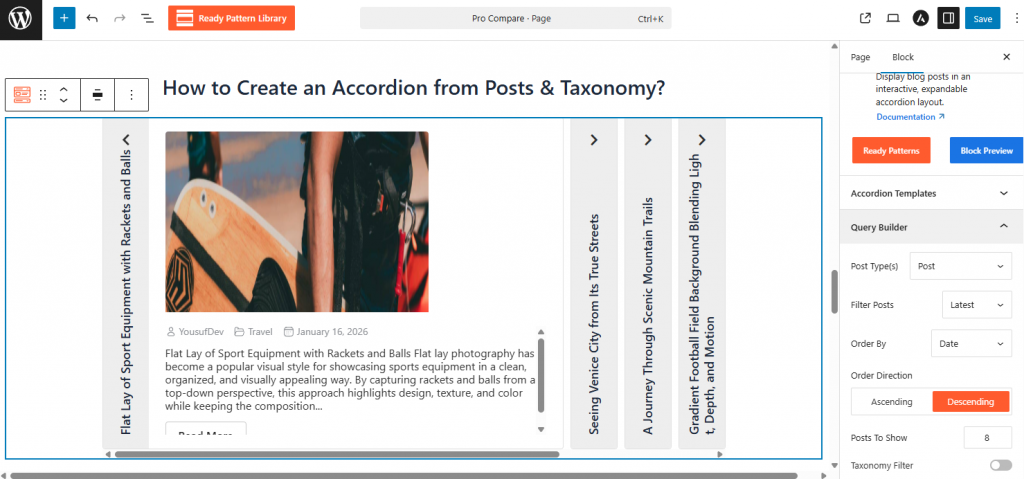
- Click the (+) Block Inserter and add the Post Accordion 01 or 02 block.
- In the Block Sidebar, go to Query Builder, select the Content Source, and change the setting from “Custom” to Post.
- Select your Post Type (e.g., Posts or Products) and use the Taxonomy filter to choose specific categories or tags.
- Set the Order By (Date, Title, ID) to determine how the dynamic content is sorted.
For more information, visit here.