

- Click the main accordion block and locate the Accordion Interactions panel.
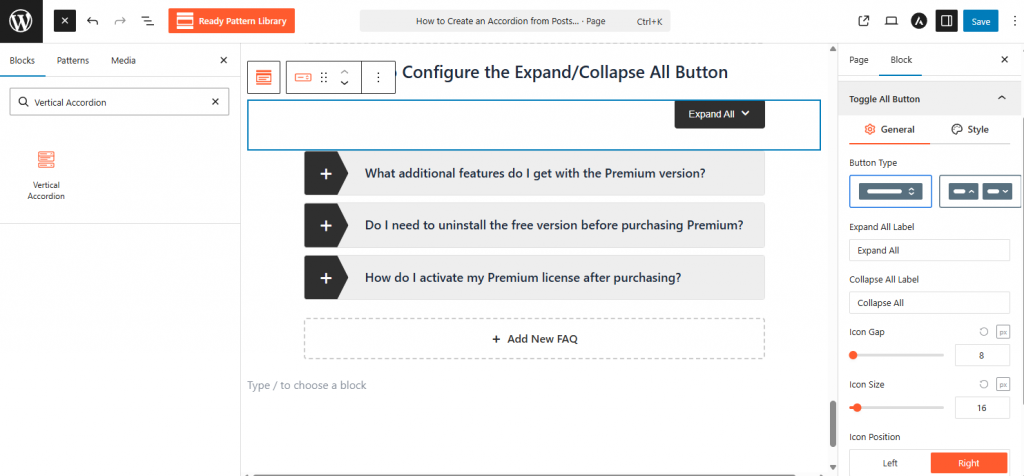
- Turn on the Toggle All Button to add a global control button above your items. For more information, visit here.
- Enable the FAQ Search toggle to display a real-time keyword filter for your users.
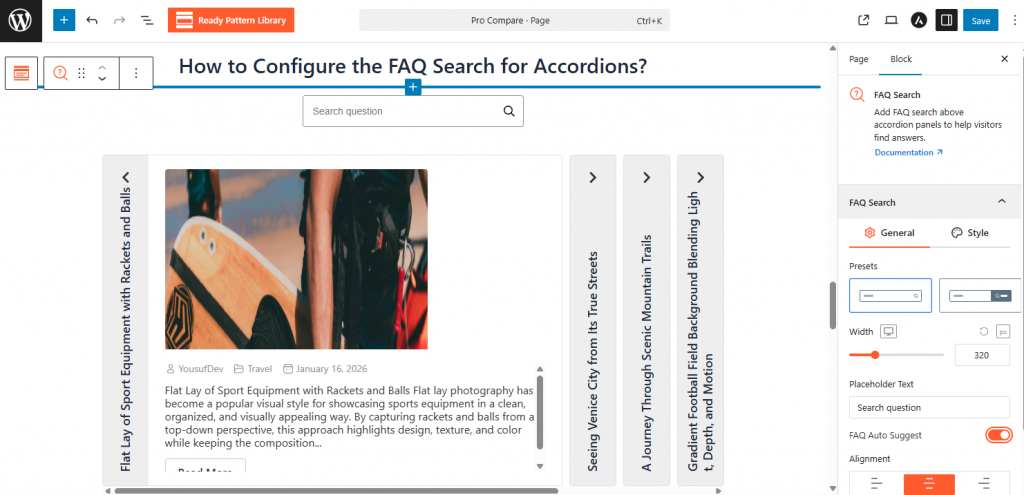
- Adjust the search bar placeholder text and button alignment directly from the sidebar settings.