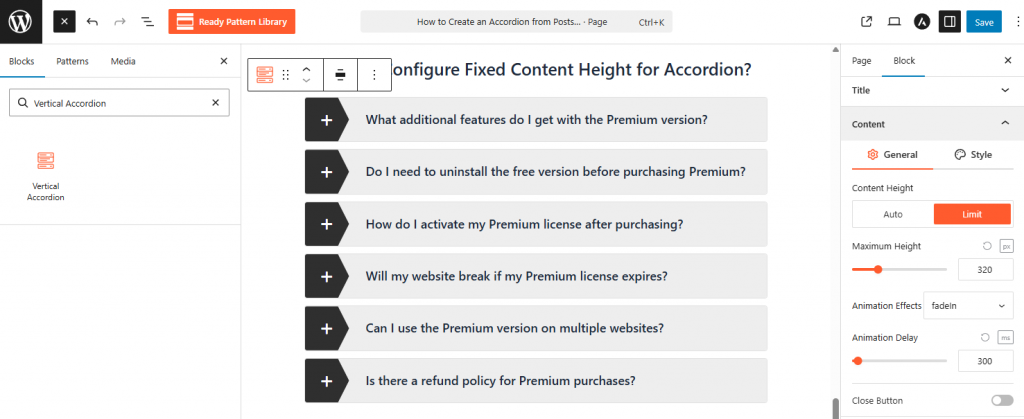
- Select the main accordion block and navigate to the Content panel in the sidebar.
- Change the Content Height setting from “Auto” to Limit.
- Enter your desired Maximum Height in pixels (e.g., 320px) to ensure all items are uniform in size.
- An internal scrollbar will automatically appear for items with content exceeding this height.