

Export:
You can export all FAQ shortcodes or specific ones using Tools → Export in the plugin dashboard. The following export options are available:
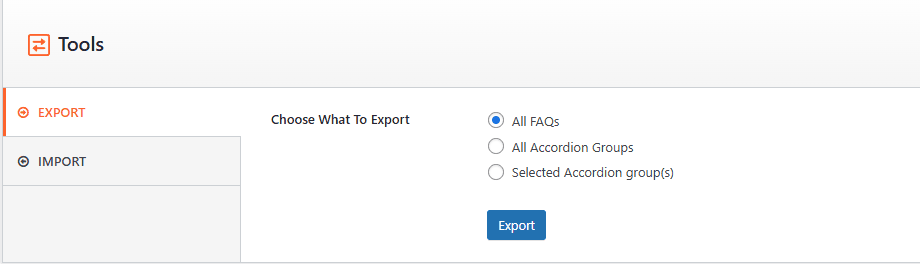
- All FAQs
- All Accordion Groups
- Selected Accordion Group(s)
Choose your preferred option and download the JSON file.
Import:
To import previously exported data, go to Tools → Import.
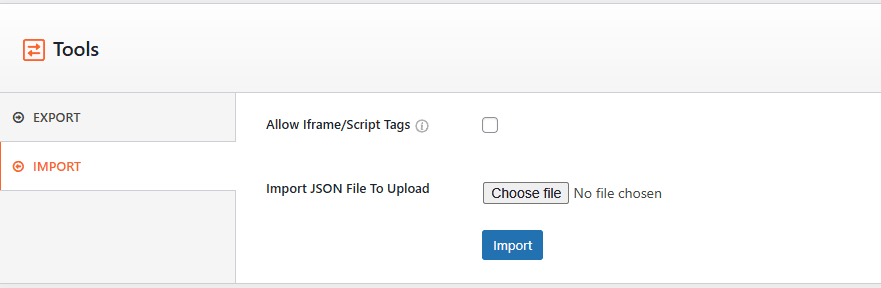
- Upload the exported JSON file.
- Click the Import button.
- All shortcodes will be imported within a few seconds.
Additional Options:
- Allow Iframe/Script Tags – Enable this option if your FAQs contain iframe or script elements.
- Import JSON File To Upload – Select the JSON file from your device to begin the import process.