

Generate high-quality, relevant FAQs in seconds using the powerful AI FAQ Generator. By integrating with Google Gemini, it automates FAQ creation so you don’t have to manually write every question and answer. Simply provide keywords, content sources, or custom prompts, and the system instantly generates accurate, structured FAQs — saving time and making your content creation effortless.
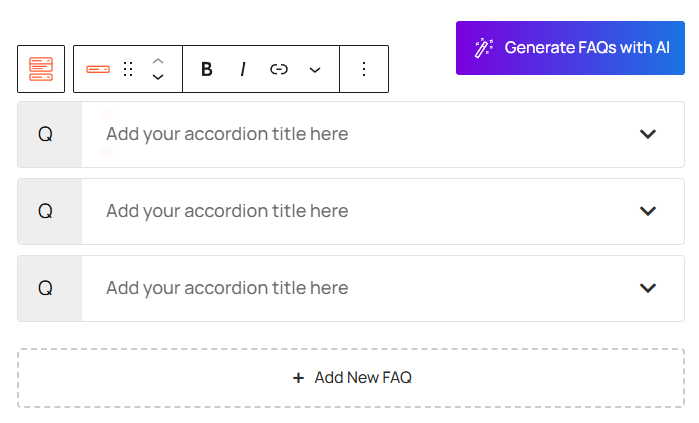
Note: Before starting to generate, don’t forget to integrate it by using the Gemini API Key.
Key Features of Google Gemini AI:
By integrating AI directly into your workflow, you can build comprehensive FAQ sections with minimal effort. Follow the steps below to create your AI-generated content:
- Automated Content Creation: Generate bulk FAQs instantly using advanced AI models.
- Contextual Relevance: Set the Specific keywords or content source type to ensure the generated FAQs align perfectly with your brand or topic.
- Multi-Language Support: Create FAQs in various languages to cater to a global audience.
- Customizable Tone & Style: Adjust the AI’s “voice” to match your website’s personality, from professional to friendly.
Let’s watch the Video Tutorial to see how it works.
How to Enable the Generate FAQs with AI Module
Before you can begin generating content, ensure the AI feature is activated in your plugin settings:
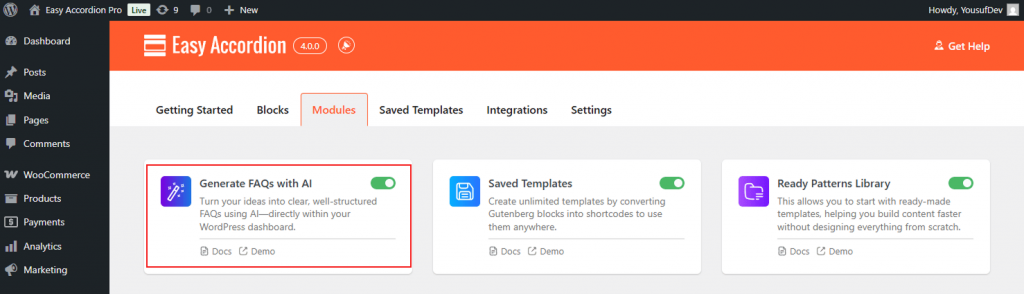
- Navigate to your Easy Accordion menu in the WordPress sidebar.
- Go to the Quick Start or Blocks tab, and move to the Modules.
- Find the Generate FAQs with AI Module, then toggle it to ON.
- After turning it ON, you will see a dedicated panel named Google Gemini Integration next to the Modules.
- In Integrations, you can choose the AI Model and find the API Key to ensure Google Gemini is working properly on your FAQs.
How to Use Google Gemini AI to Generate FAQs:
To get the best FAQs from Generative Gemini AI, you will have several settings to follow, defining exactly how Gemini AI should craft your content for maximum relevance and impact:
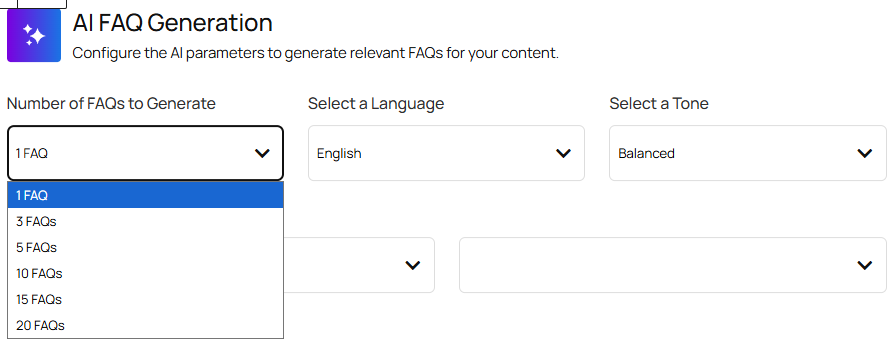
- Number of FAQs: Set how many Q&As to generate per run (e.g., 5, 10, 15).
- Preferred Language: Define the output language for localized or multilingual FAQs.
- Content Tone: Select the writing style (Professional, Friendly, Informative, or Humorous).
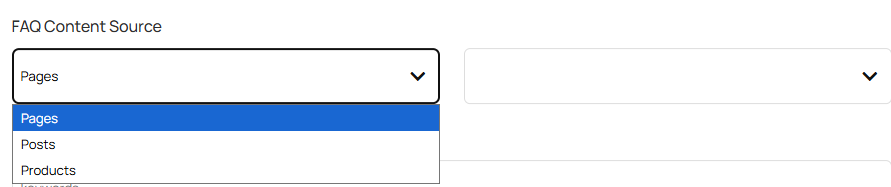
- Content Source: Choose where the AI pulls information from (Posts, Pages, Products) to match your brand or topic.

- Keywords & Focus Area: Set topics or primary keywords (e.g., “WordPress Security,” “Shipping Policy”) to guide FAQ generation.
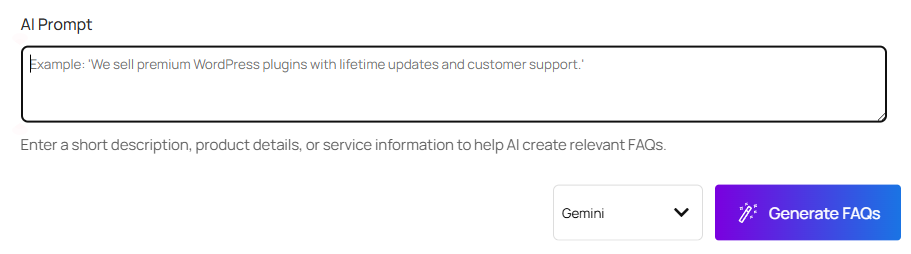
- Custom AI Prompt: Add advanced instructions for specific format, style, or content rules.
- Start Generating FAQs: After configuring all settings, click Generate FAQs, and get the Automated FAQs.
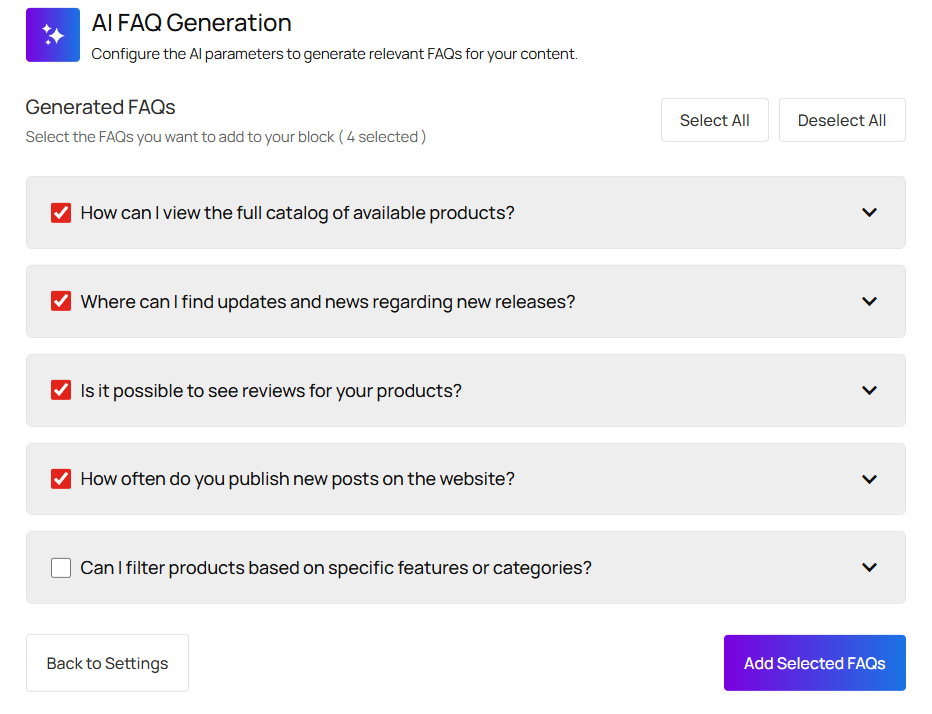
- Filter, Insert & Delete FAQs: After generating the FAQs, you can easily filter, select, insert the necessary FAQs, and even delete irrelevant FAQs as you wish.