

- Click the orange Ready Pattern Library button at the top of the block editor.
- Browse the 200+ unique patterns and click one to instantly import it into your page.
- Select the imported block and go to the Style panel to further tweak colors and typography.
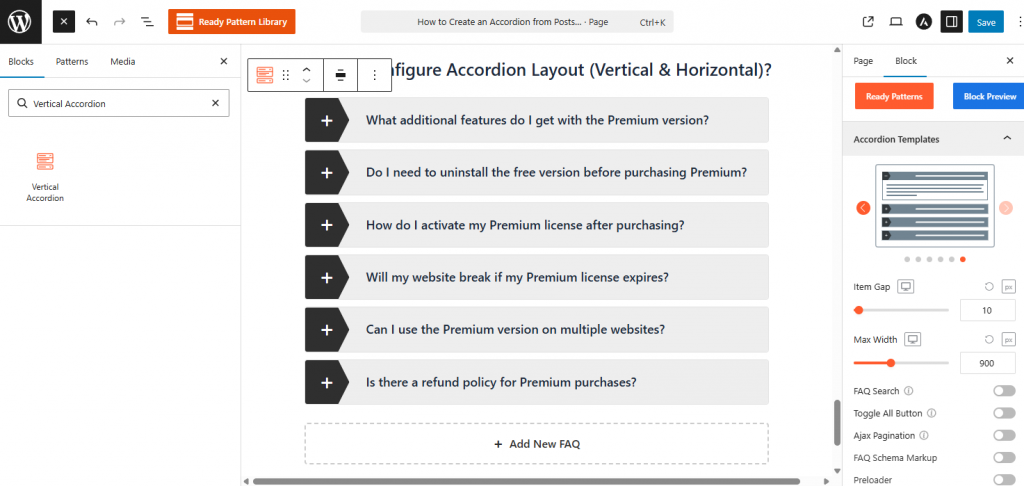
For details on how to use the Easy Accordion Pattern Library, please visit here.