

The AJAX Pagination child block allows you to break down long lists of accordion items into smaller, manageable pages without requiring a full page reload. This ensures your site stays fast and provides a seamless browsing experience for your visitors.
How to Add the AJAX Pagination (Child) Block:
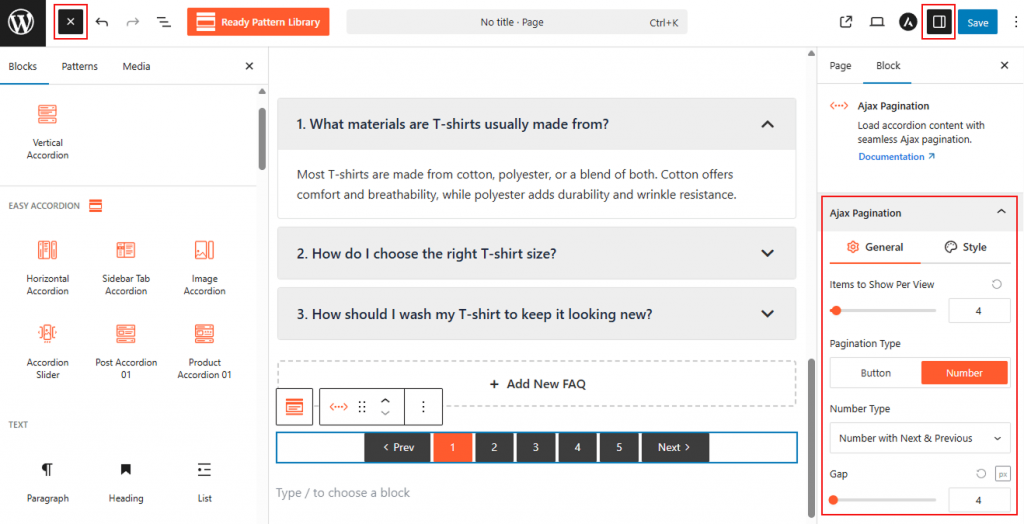
- Go to your WordPress Dashboard.
- Navigate to Pages > Add New, or edit an existing page containing an Easy Accordion block.
- Select the Vertical Accordion (or any supported accordion block).
- Open the right-hand Settings Panel.
- Under Accordion Templates, locate AJAX Pagination.
- Click to insert the AJAX Pagination block above or below your accordion items to enable dynamic loading.
AJAX Pagination: General
From this panel, you can define how your items are paginated and how the transitions behave:
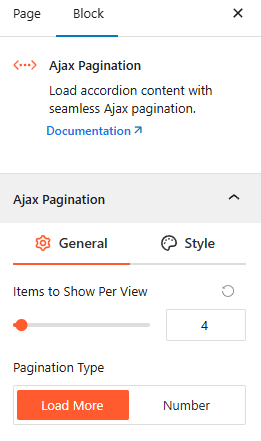
- Pagination Type: Choose between three dynamic loading methods:
- Number: Displays traditional page numbers for manual navigation.
- Load More Button: Adds a button that users click to reveal the next set of items.
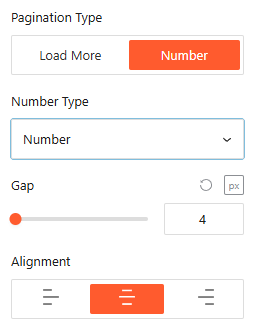
- Items Per Page: Set the exact number of accordion items to display before the pagination triggers.
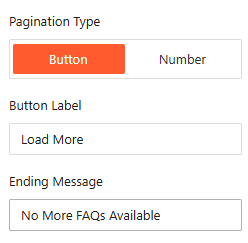
- Load More Label: If “Load More” is selected, customize the text for the button (e.g., “Show More Questions”).
- Loading Animation: Enable or disable a preloader to show users that content is being fetched.
- Alignment: Position your pagination controls to the Left, Center, or right.
AJAX Pagination: Style
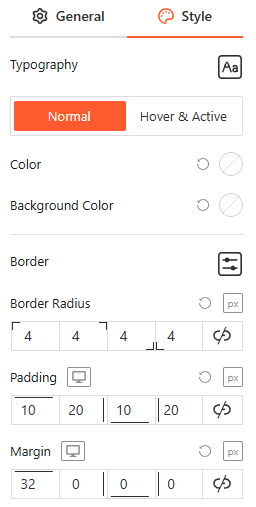
From the AJAX Pagination Style panel, you can fully customize the typography, colors, and border settings for both numeric indicators and “Load More” buttons across Normal, Hover, and Active states to ensure a cohesive brand appearance.
Advanced Settings:
The Advanced panel allows you to manage the overall container of the FAQ Search bar, covering visibility and high-level styling.
Visibility:
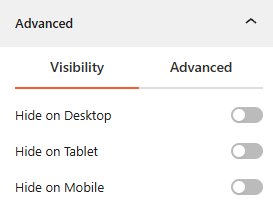
- Device Hiding: Toggle visibility on or off to hide the entire search block on Desktop, Tablet, or Mobile viewports for better responsive control.
Advanced:
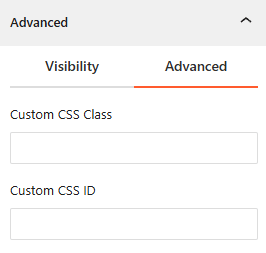
- Custom CSS: Apply a unique Custom CSS Class or Custom CSS ID to the block for deep styling or advanced developer hooks.
Congratulations! Let’s watch a live demo of how the AJAX Pagination works.