

Display additional Post or Product Metadata, such as dates, authors, categories, reading time, or prices, within your accordion items. By enabling post or product metadata, you can show essential data about posts or products at a glance, turning a simple list into a data-rich information hub.
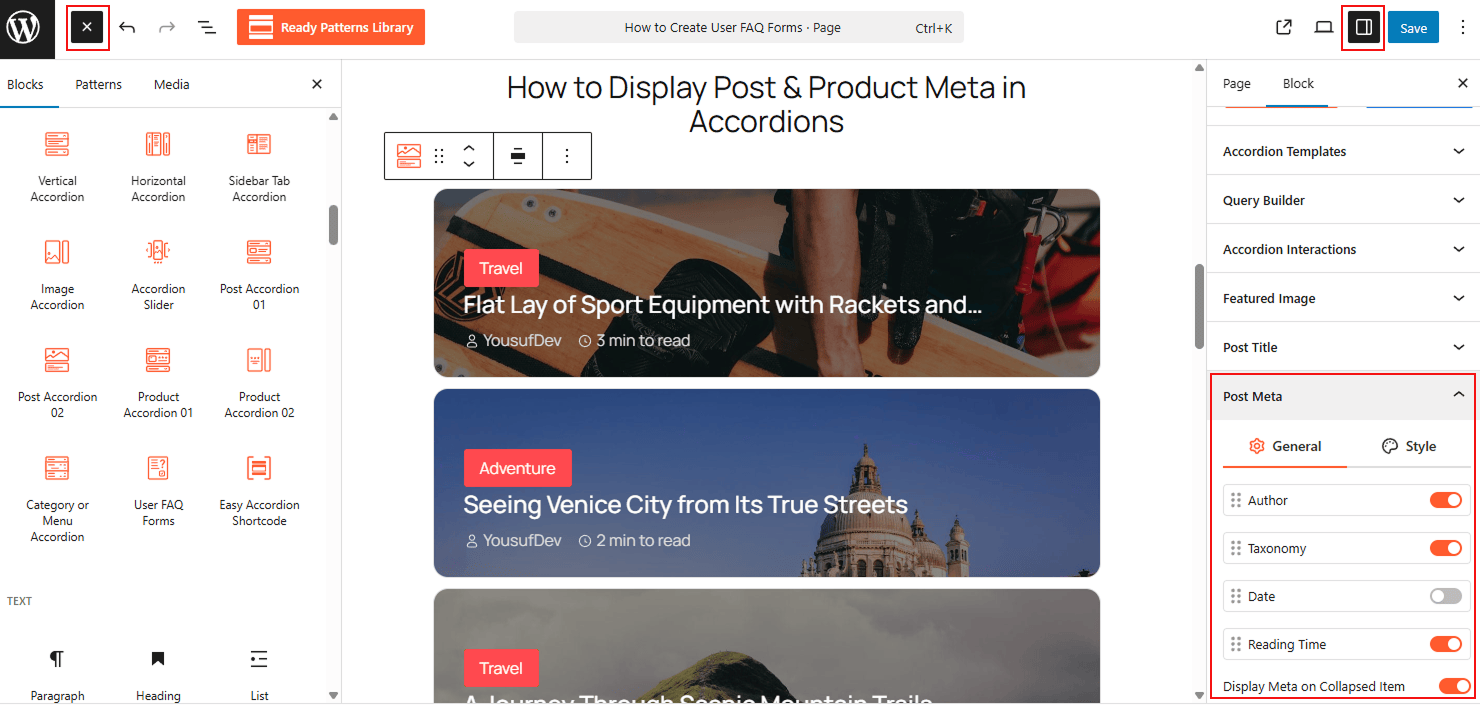
To Add Post & Product Meta:
- Insert the Post Accordion or Product Accordion block into your editor.
- Set your Content Source to fetch specific posts or WooCommerce products.
- In the sidebar, locate the Meta Display settings.
- Toggle the switches to show the metadata you wish to display (e.g., Post Date, Author, Category, or Price).
To know how to configure, please visit the detailed documentation.
Let’s watch the Live Demo of Post & Product Meta Display in Action.