

The FAQs Analytics is a comprehensive FAQ performance dashboard, which is designed to provide valuable insights into how users interact with your content. By tracking metrics like clicks and impressions, you can identify which questions are most important to your audience and optimize your accordions for better engagement.
Let’s watch the Video Tutorial to see how it works.
How to Enable the FAQs Analytics Module:
Before you can begin tracking FAQs performance data, first, you need to activate the module:
- Navigate to your Easy Accordion menu in the WordPress sidebar.
- Go to the Quick Start or Blocks tab, and move to the Modules.
- Find the FAQs Analytics Module, then toggle it to ON.
- Click Save Settings.
How to Use the FAQs Analytics Dashboard:
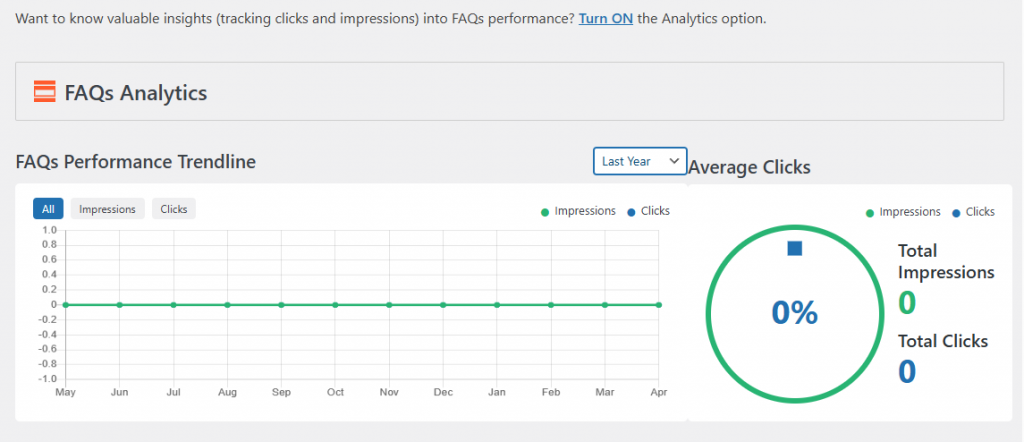
To track & monitor performance, use the FAQs Analytics dashboard and refine your content strategy. It gives you check multiple metrics, including:
- Performance Trendline: Visualize engagement over time with clear graphical data for both impressions and clicks.
- Total Impressions: Track how many times your FAQ sets have been viewed by site visitors.
- Total Clicks: Monitor the number of times users expand or interact with specific accordion items.
- Average Click Rate: Gain a percentage-based overview of your content’s effectiveness.