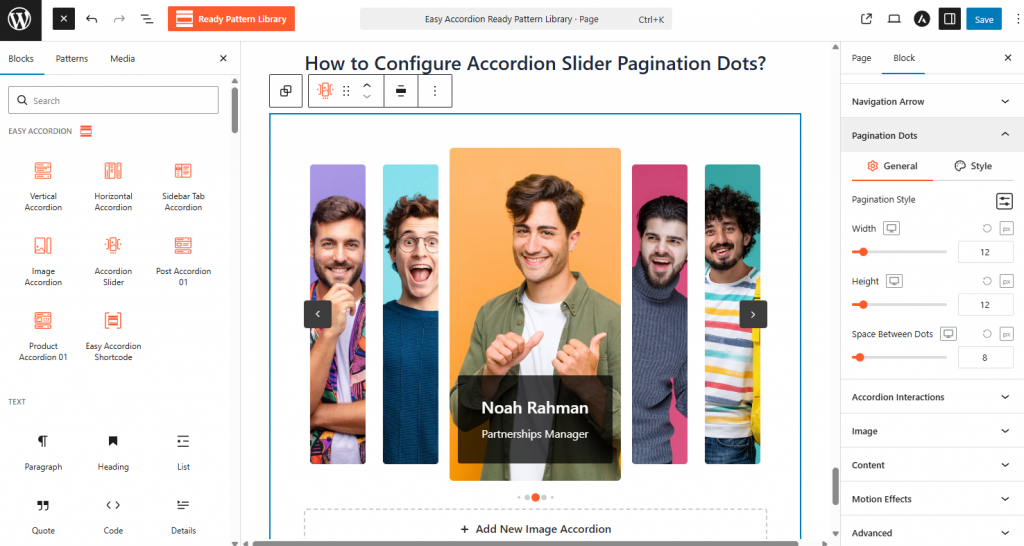
- Locate the Pagination Dots panel in the block sidebar while the Accordion Slider is selected.
- Toggle the pagination ON and select a Pagination Style (e.g., dots, lines, or numbers).
- Adjust the Width, Height, and Space Between Dots using the range sliders to fit your design.
- Use the Style panel to set unique colors for the Active Dot versus the Inactive Dots for better user navigation.