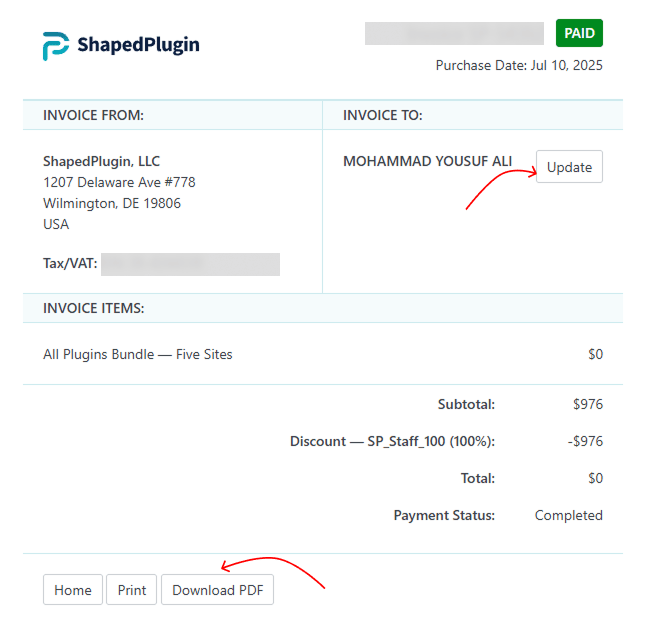
As a customer, you may need to view or download an invoice containing your billing information, such as Name, Address, Order Number, Billing Date, and VAT details. Retrieving your invoice is quick and easy — follow the steps below:
To Download Plugin Invoice:
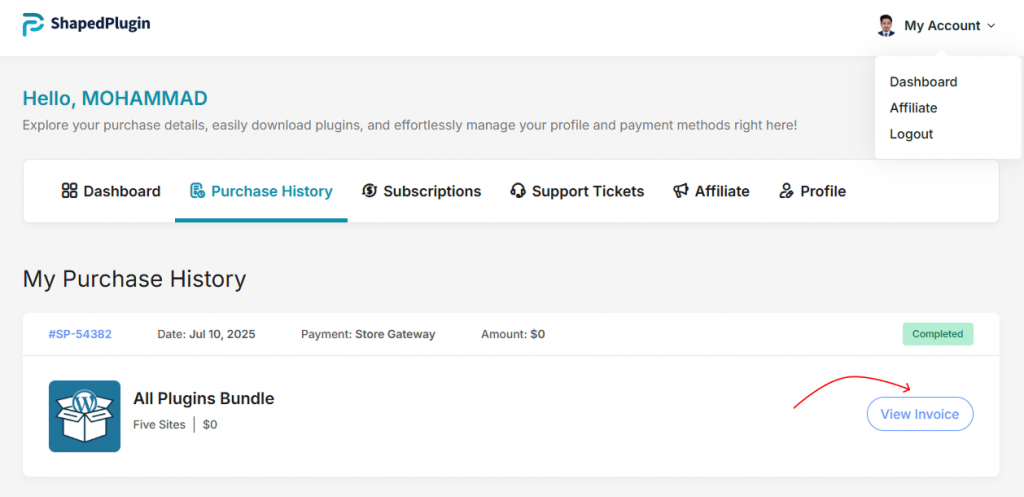
- Log in to your ShapedPlugin Account.
- Go to Purchase History.
- Click View Invoice for the order you want.
- To edit billing details, click Update.
- Download the invoice as a PDF for your records.