

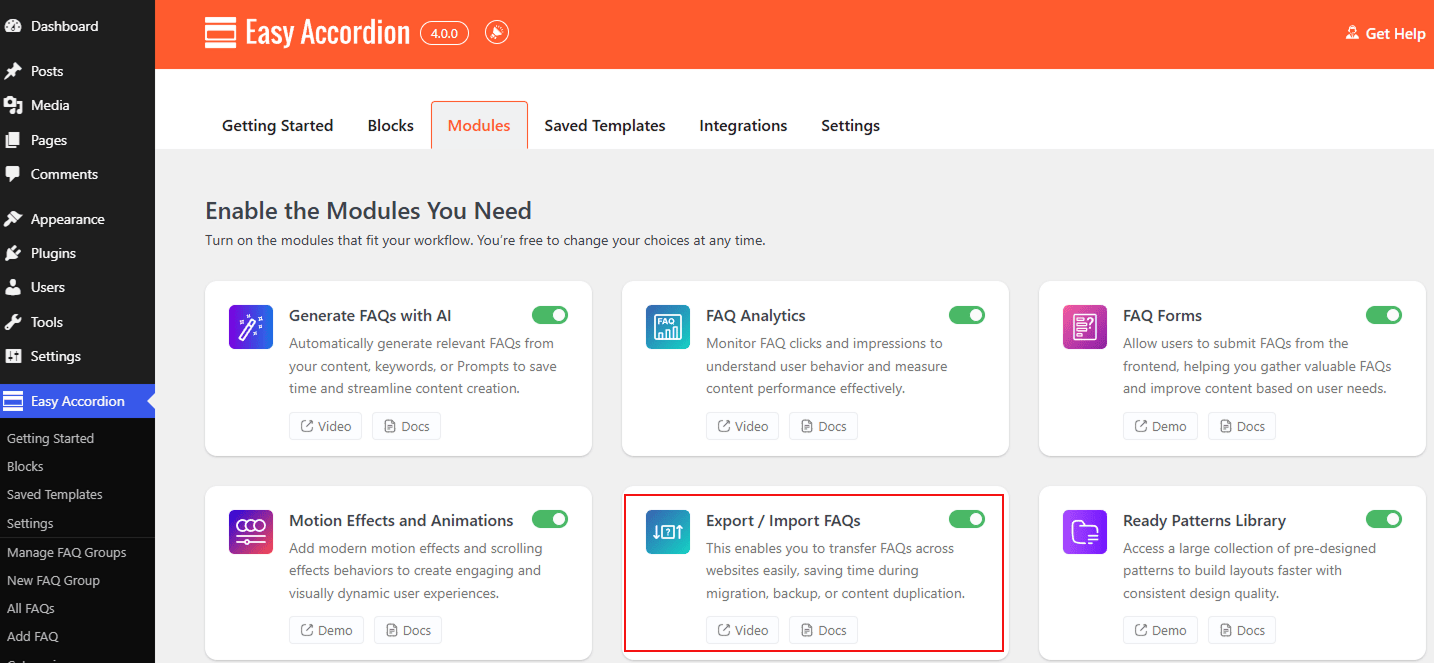
The Export / Import FAQs module allows you to transfer your accordion groups and shortcodes across websites with ease. This powerful tool is designed to save you time during site migrations, backups, or when duplicating content across multiple projects, ensuring your carefully crafted FAQs are never lost.
Let’s watch the Video Tutorial to see how it works.
How to Enable the Export / Import FAQs Module:
- Navigate to your Easy Accordion menu in the WordPress sidebar.
- Go to the Quick Start or Blocks tab, and move to the Modules.
- Find the Export / Import FAQs Module, then toggle it to ON.
- Click Save Settings.
To know how to configure the Export / Import FAQs, please visit here.