

The User FAQ Form is a dedicated User FAQ Form Builder, designed to bridge the gap between you and your audience. By enabling this module, you can build and customize FAQ forms, allowing users to submit questions directly from the frontend. Simply enable it, and collect valuable community inquiries, address specific user needs, and continuously improve your business based on real-world feedback.
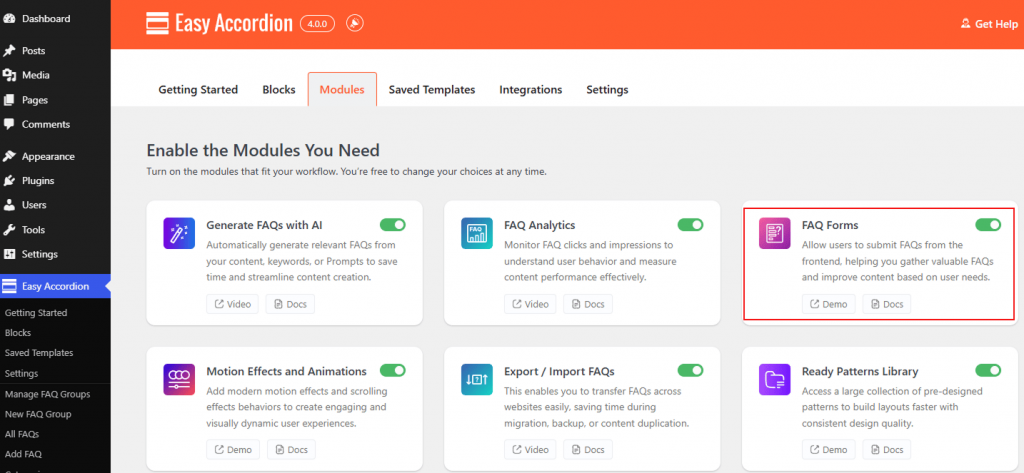
How to Enable the FAQ Forms Module:
- Navigate to your Easy Accordion menu in the WordPress sidebar.
- Go to the Quick Start or Blocks tab, and move to the Modules.
- Find the FAQ Forms Module, then toggle it to ON.
- Click Save Settings.
To know how to configure the User FAQ Forms, please visit here.