

Automate admin alerts and user notifications to manage your FAQ approval workflow. To collect the User FAQs effectively, enable and configure these settings to ensure your team is immediately aware of new inquiries, and users are notified once their questions are published.
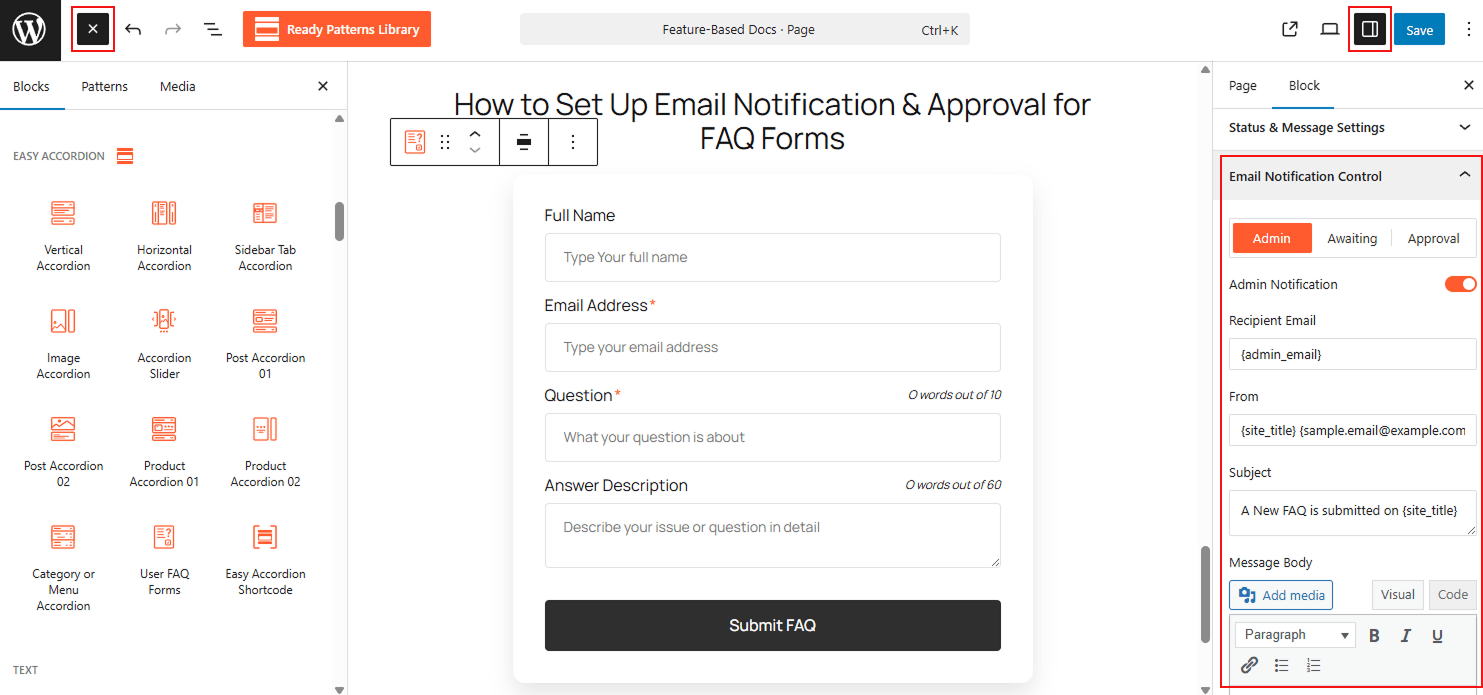
To Control User FAQ Submission Notifications & Approval:
- Insert any Accordion Blocks (e.g., “User FAQ Form“) block to your page.
- In the settings, locate Email Notification Control.
- Enable Admin Notification to receive alerts for new submissions.
- Toggle User Approval Notification to inform the visitor when you approve and publish their question.
To know how to configure, please visit the detailed documentation.
Let’s watch a Live Demo of how you can control Email Notification & Approval for FAQ Forms.